Set or change password security
Set or change password security
This tutorial describes how to set or change the password security of the device.
INSTRUCTIONS & INFO
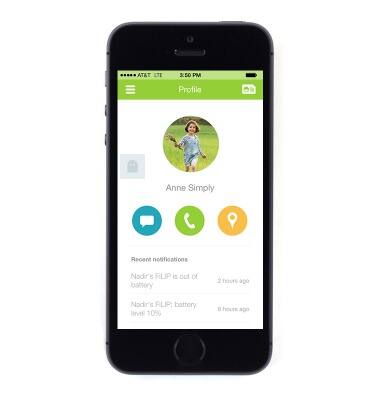
- To change the account password from the FiLIP app, tap the Menu icon in the upper left corner.
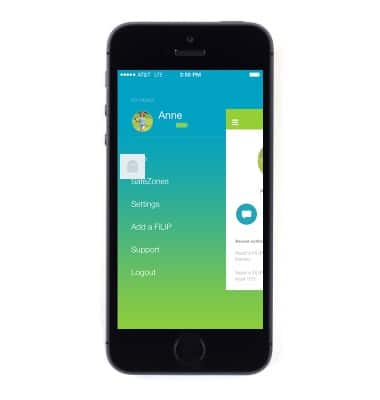
- Tap Settings.
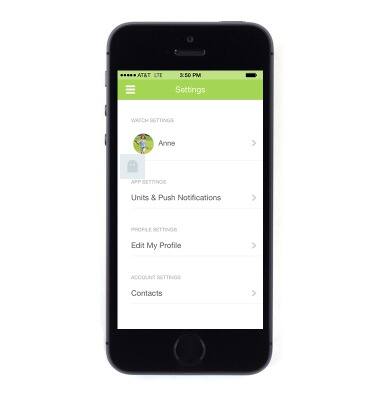
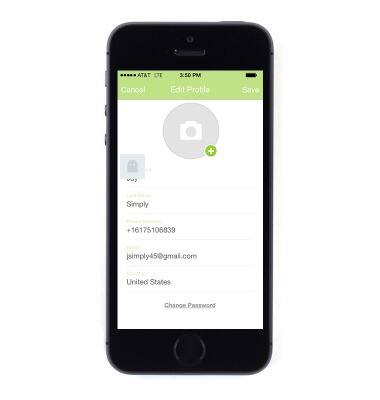
- Tap Edit My Profile.
- Tap Change Password.
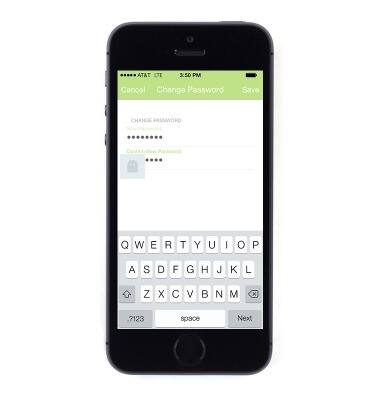
- Enter and confirm the desired new password.
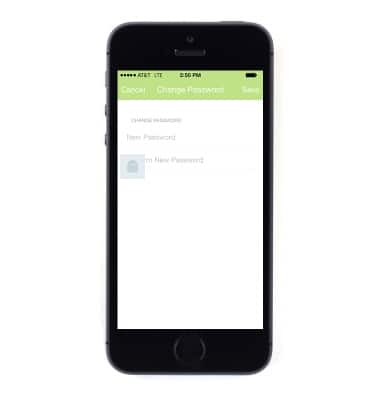
- Tap Save.